Before you buy.
Can I use this for new products?
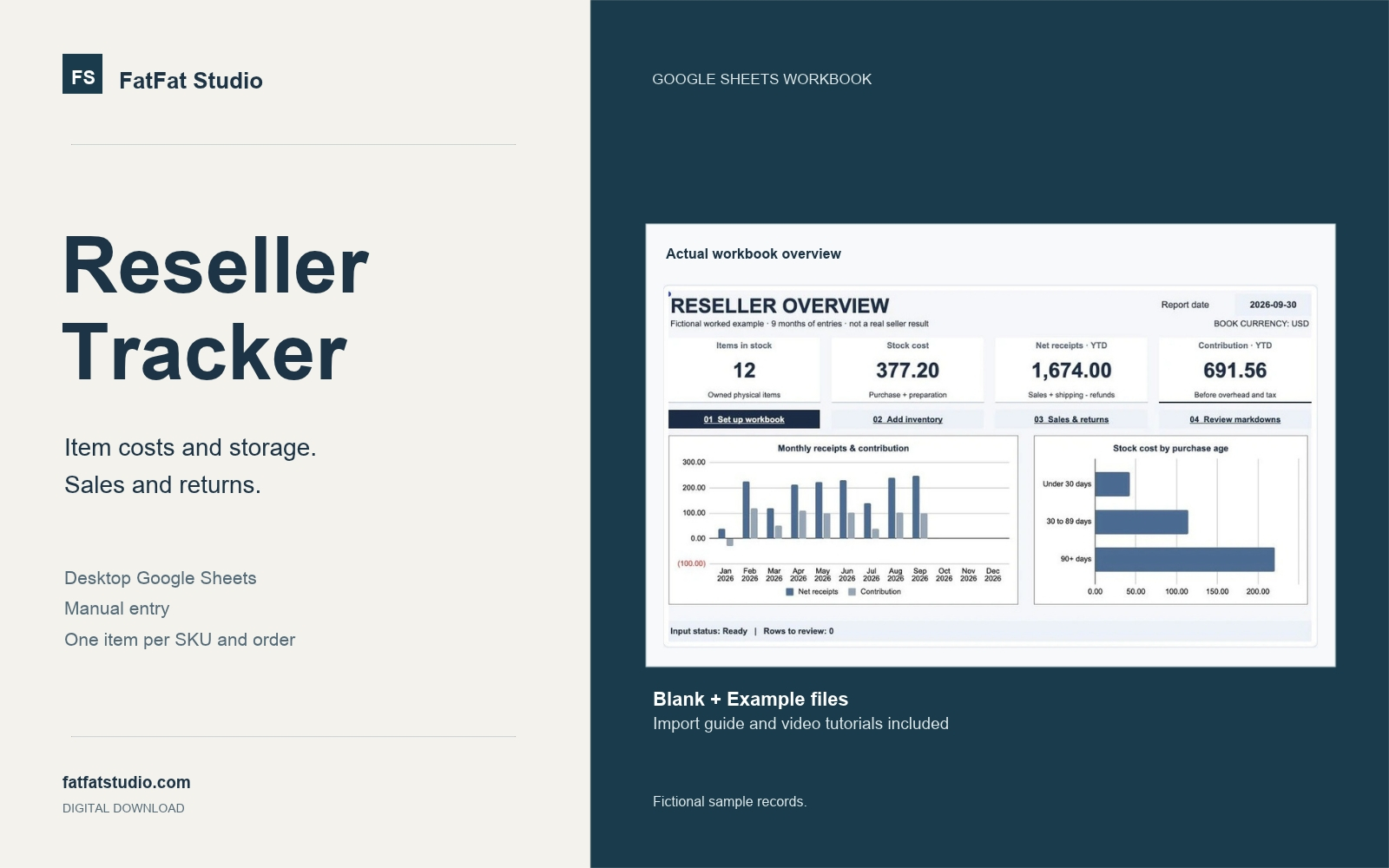
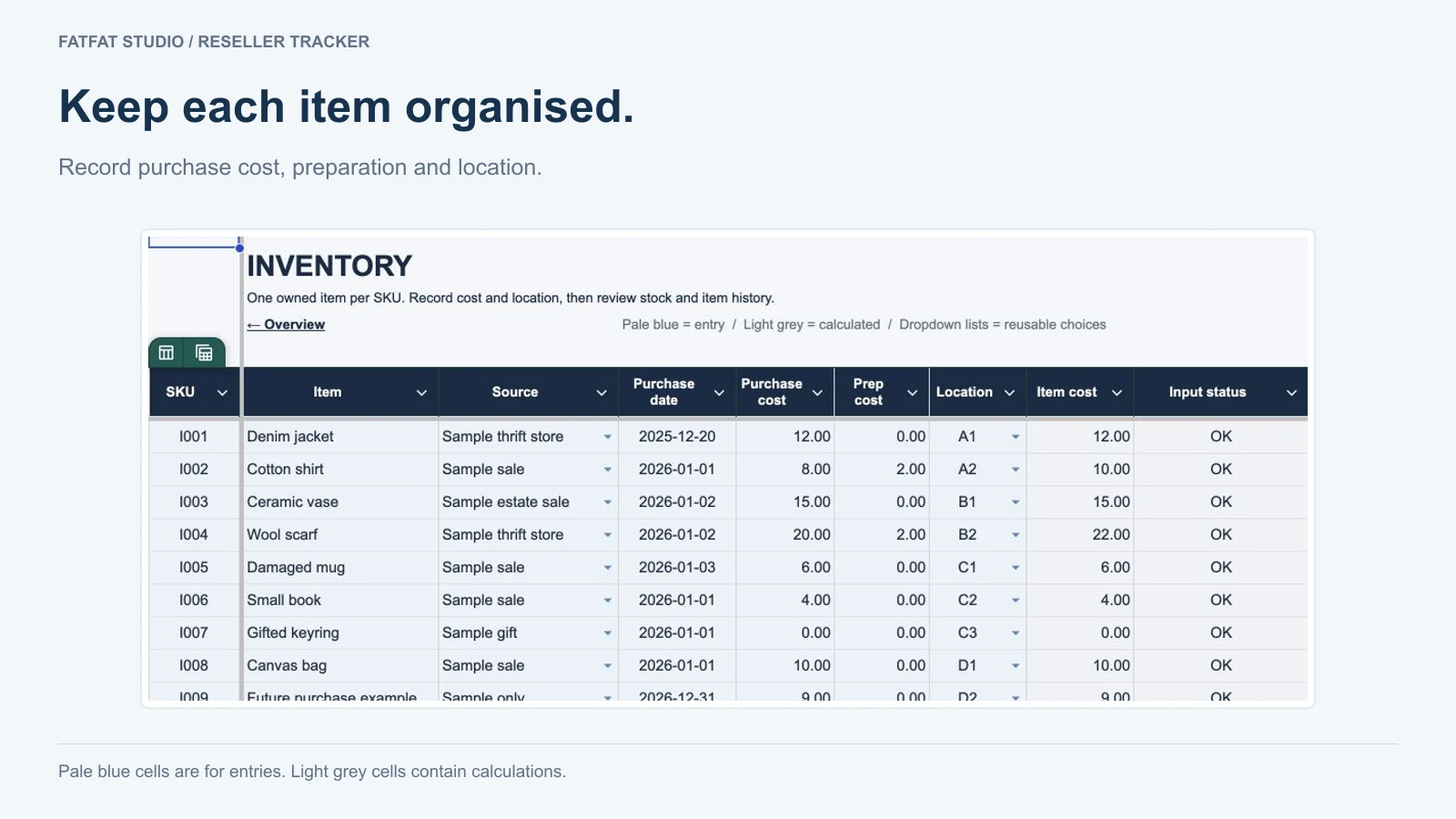
Yes. The workbook can track new or pre-owned physical items you own. Each physical item needs its own SKU and each recorded order contains one item. Multi-unit stock, multi-item orders and bundles are outside its scope.
Why pay for this when free reseller spreadsheets exist?
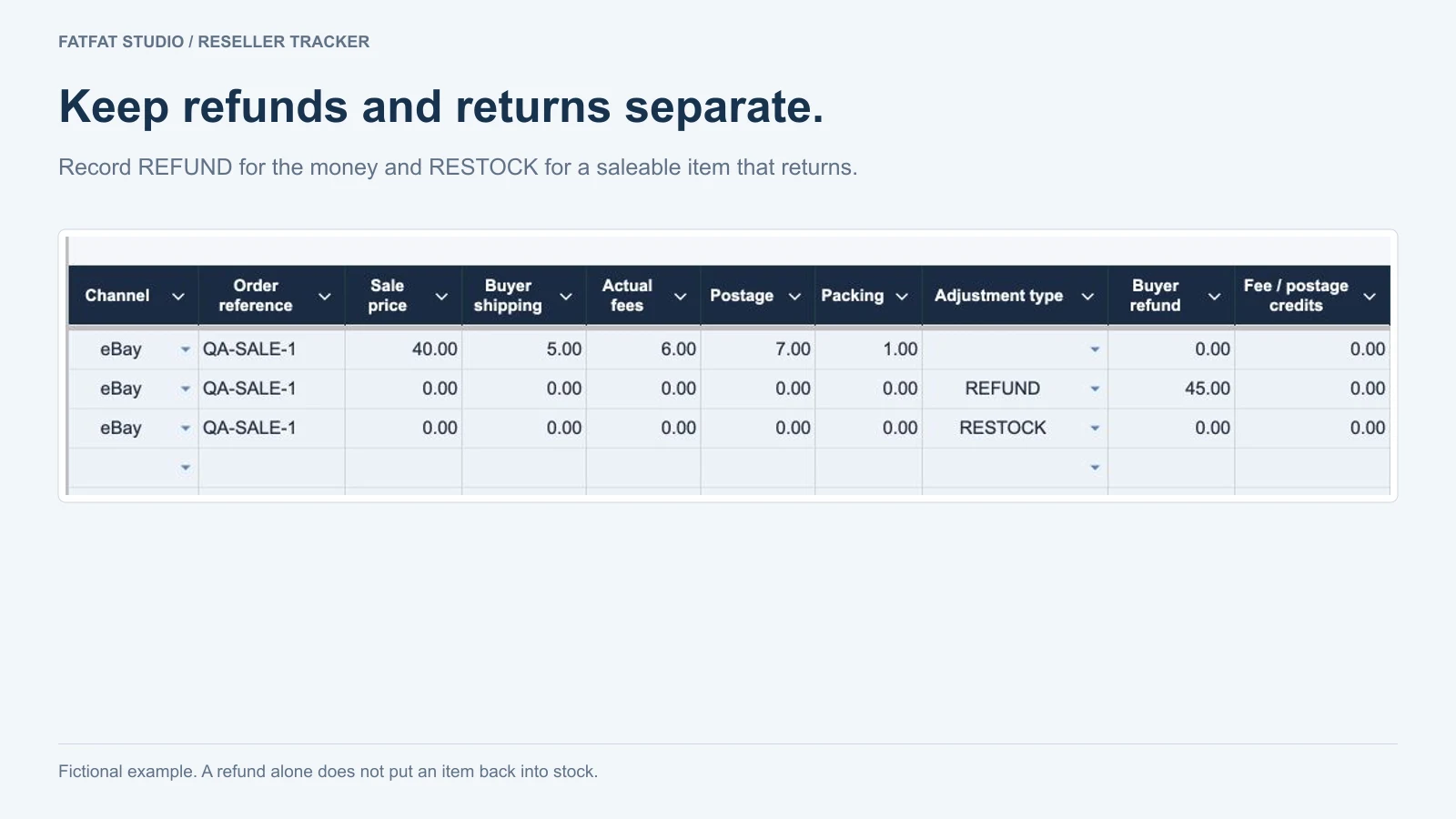
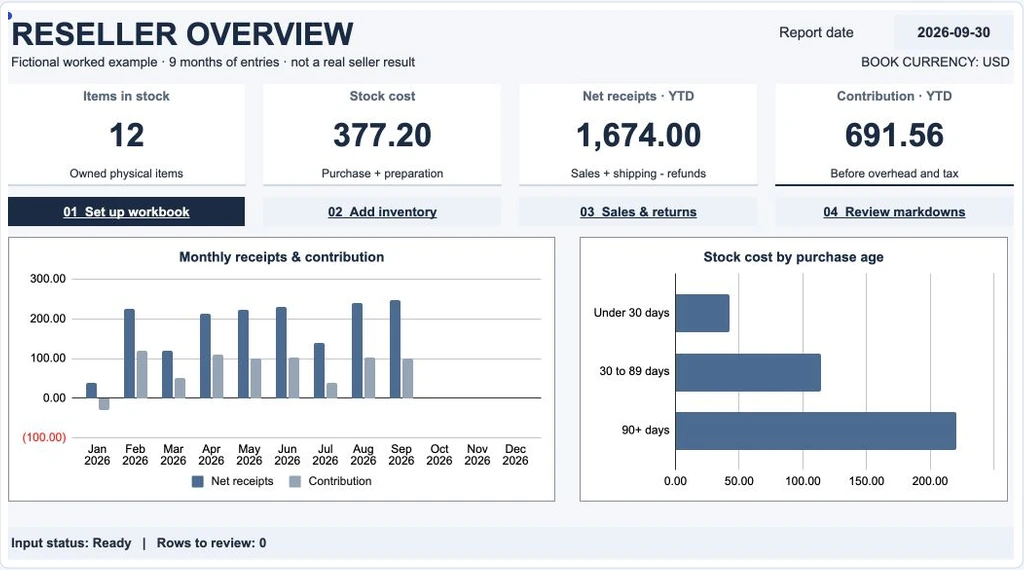
If you only need a list of items, costs and sale prices, a free spreadsheet may be enough. This tracker is for keeping an item’s purchase costs, storage location, sales and later refund or saleable-return events connected by SKU. It includes ready-made workbook formulas, a fictional Example workbook to practise with, import videos and 30 days of setup and original-feature assistance.
Watch the refund-and-return example to see whether that workflow fits your records. If you only need item IDs and bin locations, start with the free storage worksheet. You can also build a basic sales spreadsheet. Neither free option automatically migrates records into the paid tracker.
Does it connect to eBay, Poshmark or other marketplaces?
You enter your own records manually. Marketplace names describe where a recorded sale happened; the workbook does not connect to marketplace accounts, import orders or automatically remove sold listings.
For a Depop sale, use the sales CSV and cost-check guide to review the source amounts before entering supported records by hand.
Are 300 items and 1,000 events yearly allowances?
They are cumulative capacity limits within one workbook, including historical records. They are not a count of currently unsold items and do not reset automatically each year. A refund or adjustment also uses event capacity. Keep earlier item and sale records for later returns; a fresh Blank file does not roll that history forward. Read the cross-year return example before starting a new-year copy.
Will the download work as a native Excel or mobile product?
The .xlsx files are supplied for importing into desktop Google Sheets. A computer, browser and your own Google account are required. Desktop Excel and a complete mobile workflow are not supported or verified. Read the import and first-record guide before purchasing.
Can I bring over my existing inventory spreadsheet?
Importing the supplied .xlsx creates a new tracker in Google Sheets. It does not migrate your existing records. There is no one-click transfer from another spreadsheet or the free SKU & storage map. Keep your original records and test the supplied Blank workbook with fictional items before entering working inventory. Do not paste entire sheets over the tracker’s formulas. For the free worksheet, follow the three-field manual transfer checklist.
How do I receive and open the workbook?
Choose one checkout and purchase once. Creem and Gumroad provide the ZIP through their own delivery pages. After a confirmed Stripe payment, the confirmation flow opens FatFat Studio’s verified download page. Extract the ZIP and read README_EN.txt and Practical_Guide_EN.pdf. Practise with the fictional Example workbook, then import a separate Blank workbook for your real stock. You do not need to share your working inventory or wait for a Google-account invitation.
What support is included?
First support reply within two business days, Monday–Friday, UTC+8. Setup and original-feature assistance are included for 30 calendar days from first working access. Future major versions and lifetime manual support are not promised.
What can I do with my copy?
One purchaser or one business may use its own copies internally, including separate year or currency copies. Redistribution, resale and private-label rights are not included.
What if the file does not work?
Contact [email protected] with your order reference and fictional or redacted details. Do not repurchase to fix an access issue. The policy displayed at checkout, the platform's controlling terms and mandatory consumer rights govern refunds. No extra voluntary change-of-mind refund period is offered.